Smart TV IPTV Compatibility: Check Your Television
Understand Smart TV IPTV compatibility, including operating systems, supported applications, model differences and setup considerations.
Read guide
Learn what to check when assessing IPTV compatibility on Fire TV devices, including operating-system support, applications and setup considerations.
Fire TV devices, including the Firestick, are among the most popular ways to stream in UK homes. They are one of the device types we support, but "Fire TV" covers several generations of hardware, and older models can behave differently from newer ones.
This guide explains what to check on your own Fire TV device before you install anything, so you can set up with confidence and know what to tell us if you need help.
Fire TV and Firestick devices are on our list of IPTV compatible devices. That means the device type is supported — but your individual experience still depends on the model you own, how up to date it is and how well it connects to your home network.
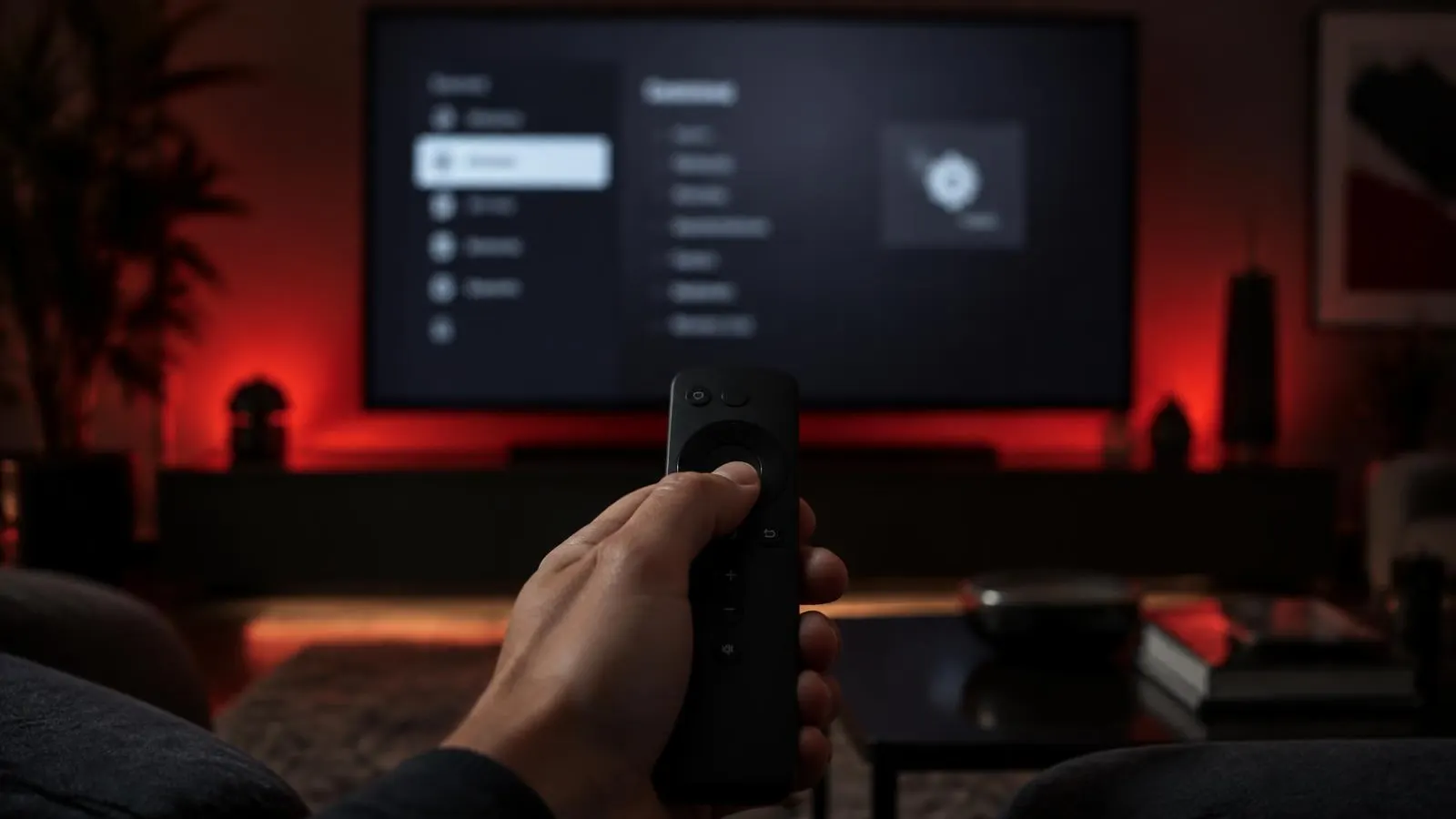
Open Settings on your Fire TV and find the section that shows information about the device. Note the model name and the software version. Newer models generally have more memory and faster processors, which helps menus feel quicker and video play more smoothly.
Install any available system updates before you begin. Updates often fix playback and network issues, and an out-of-date device is a common reason for problems that have nothing to do with the service.
You will need a suitable app on your device to watch. Rather than searching for apps on your own, message us with your exact model and we will tell you what to use. This avoids downloading unsuitable or unsafe software. Only install apps from sources you trust, and never change security settings because a website tells you to.
Streaming sticks have limited storage. If yours is nearly full, apps can run slowly or fail to update. Check available storage in Settings and remove apps you no longer use. Restarting the device every so often can also free up memory and keep it responsive.
Streaming sticks often sit behind the television, where Wi-Fi signal can be weaker. If you notice pauses, try moving the router or the device, or use an HDMI extender so the stick is not hidden behind the screen. Our home network setup guide explains these steps in more detail.
Before installing, run through this short list:
Restart the device, clear unused apps to free storage and make sure the software is up to date.
Check the Wi-Fi signal, pause other heavy downloads in the home and try the device closer to the router.
Follow the general steps in our IPTV installation guide, then contact our support team with your model, software version and any message on screen.
Fire TV and Firestick are among the device types we support. Your experience depends on the model, software and network.
Message us with your model and we will tell you. We do not recommend installing unknown apps from the internet.
Low storage, out-of-date software and weak Wi-Fi are the most common causes. Check all three.
This is general guidance for UK viewers, not legal or technical advice for your specific setup. If you are unsure, ask our team.
Understand Smart TV IPTV compatibility, including operating systems, supported applications, model differences and setup considerations.
Read guideLearn how to prepare your home network for streaming, improve Wi-Fi coverage and understand the benefits of a stable internet connection.
Read guideLearn how to investigate common streaming problems, including connection issues, application errors, device compatibility and performance.
Read guide