Amazon Fire TV / Firestick
A popular plug-in option for most televisions with an HDMI port.
Before choosing a subscription, check that the device you watch on is compatible. This IPTV device compatibility guide covers the devices our service supports and what to check on your own model, software and connection.
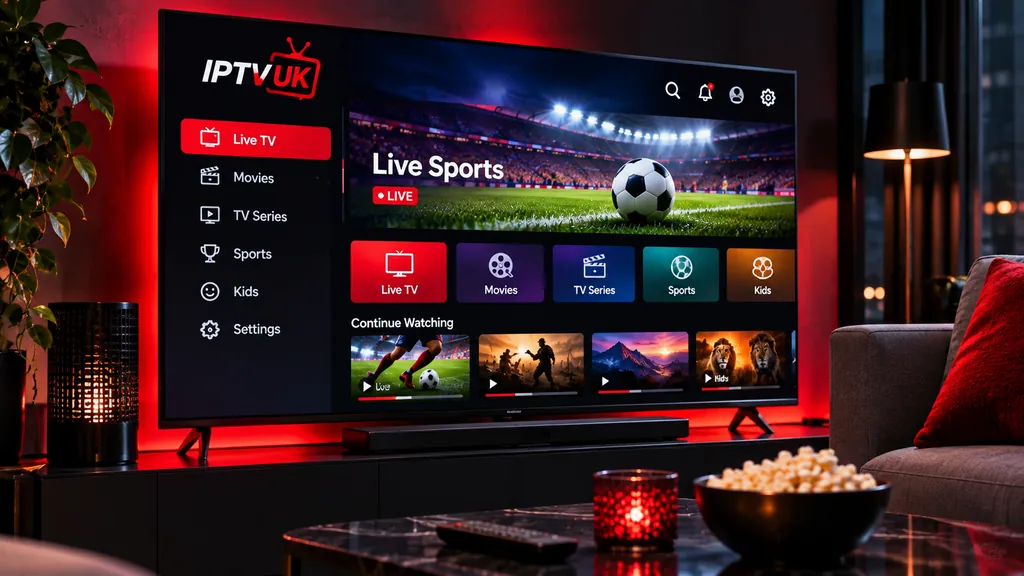
These are the device types our service currently supports. Your exact model, its software version and the applications available for it still decide whether your setup works well.
A popular plug-in option for most televisions with an HDMI port.
Watch directly on the TV when a suitable application is available for its platform.
Phones, tablets and Android-based TV boxes running current software.
Watch on the go or at home with an up-to-date version of iOS.
Dedicated set-top boxes that connect directly to your television.
Using IPTV on Firestick or another Fire TV device is a common choice because the stick plugs straight into an HDMI port. Compatibility with Fire TV devices depends mainly on the device generation and the version of Fire OS it runs. Older sticks may no longer receive updates, and limited storage can affect how smoothly applications run.
Our Fire TV OS compatibility guide goes through these checks step by step.
Can you use IPTV on your Smart TV? Often yes, but compatibility depends on the TV’s operating system, its model and model year, and the applications available in its app store. Smart TV platforms differ, and an application available on one may not be offered on another. We do not claim that every Smart TV is supported.
If your television cannot run a suitable application, a Fire TV device or an Android-based box connected to the TV is a practical alternative. Read our Smart TV app compatibility guide to see what to check on your platform.
IPTV on Android devices and IPTV on iPhone both work well for watching around the home or while travelling. Requirements still vary by device.
Android is used by many manufacturers, so software versions and storage differ widely. Keep your device updated and install applications only from official sources.
Keep iOS up to date and confirm that a suitable application supports your iOS version before installing. Older iPhones that no longer receive updates may not meet application requirements.
MAG devices are dedicated set-top boxes designed for IPTV and are supported by our service. Because they are built for streaming, they connect directly to your television and are usually operated with their own remote control. Setup differs between units, so contact our team with your device details and we will send the setup information that applies to you.
What device do you need for IPTV? Often one you already own. These practical points help you decide which of your devices to use.
Start with a device type listed above, then confirm your exact model.
Current software is more likely to meet application requirements.
Leave free space so applications can install and update without problems.
A stable connection matters more than any single headline speed.
A wired connection is usually more consistent than Wi-Fi in a distant room.
Choose a device you are comfortable setting up and updating.
Newer hardware tends to open menus and start playback more smoothly.
A stable internet connection is as important as the device. Speed can vary through the day and drop when several people stream at once, so test at the times you usually watch. We do not promise a minimum speed, because results depend on your broadband, router and home layout.
Walls, distance and other devices weaken Wi-Fi. Placing the router centrally or adding a mesh point can improve the signal where you watch.
Where possible, connect your streaming device to the router with an Ethernet cable for a more consistent connection. See our home network setup guide for practical tips.
Our installation information explains the general setup steps. For device-specific checks, use the Fire TV checklist or the Smart TV platform guide, and if you are still unsure, message our support team.
Follow the setup guide for your device type.
Improve stability with the Wi-Fi and Ethernet tips.
Send your device model through the contact page.
The 24-hour free trial is available, so you can check compatibility and performance on your own device and connection before paying anything. Install on the screen you watch most, test at your usual viewing times and see how the setup feels. Then request your 24-hour IPTV free trial and choose a package afterwards.
Our service supports Amazon Fire TV and Firestick devices, Smart TVs, Android devices, iPhone and MAG devices. Whether your particular unit works still depends on its model, software version and the applications available for it.
Yes, Fire TV and Firestick devices are supported. Older generations may run older software, so read the Fire TV software checklist before installing.
Smart TVs are supported, but not every model can run the required application. It depends on the TV’s operating system, model year and app store. The Smart TV app guide explains what to check.
Yes, iPhone is supported. Keep iOS up to date and check that a suitable application is available for your iOS version before you start.
Yes, Android phones, tablets and Android-based TV boxes are supported. Requirements can differ between manufacturers and Android versions, so check your device’s software version first.
Yes, MAG devices are supported. Send us your device details on our contact page and we will help with the setup information for your unit.
Not usually. Many households already own a supported device, such as a Smart TV, a Fire TV stick, an Android device or an iPhone. A stable internet connection matters as much as the device itself.
Note your device model and software version, then test it with our 24-hour free trial. If anything is unclear, ask us before subscribing.
Test your device with the free trial, then compare packages when you are ready. New here? Start with the IPTV UK homepage.