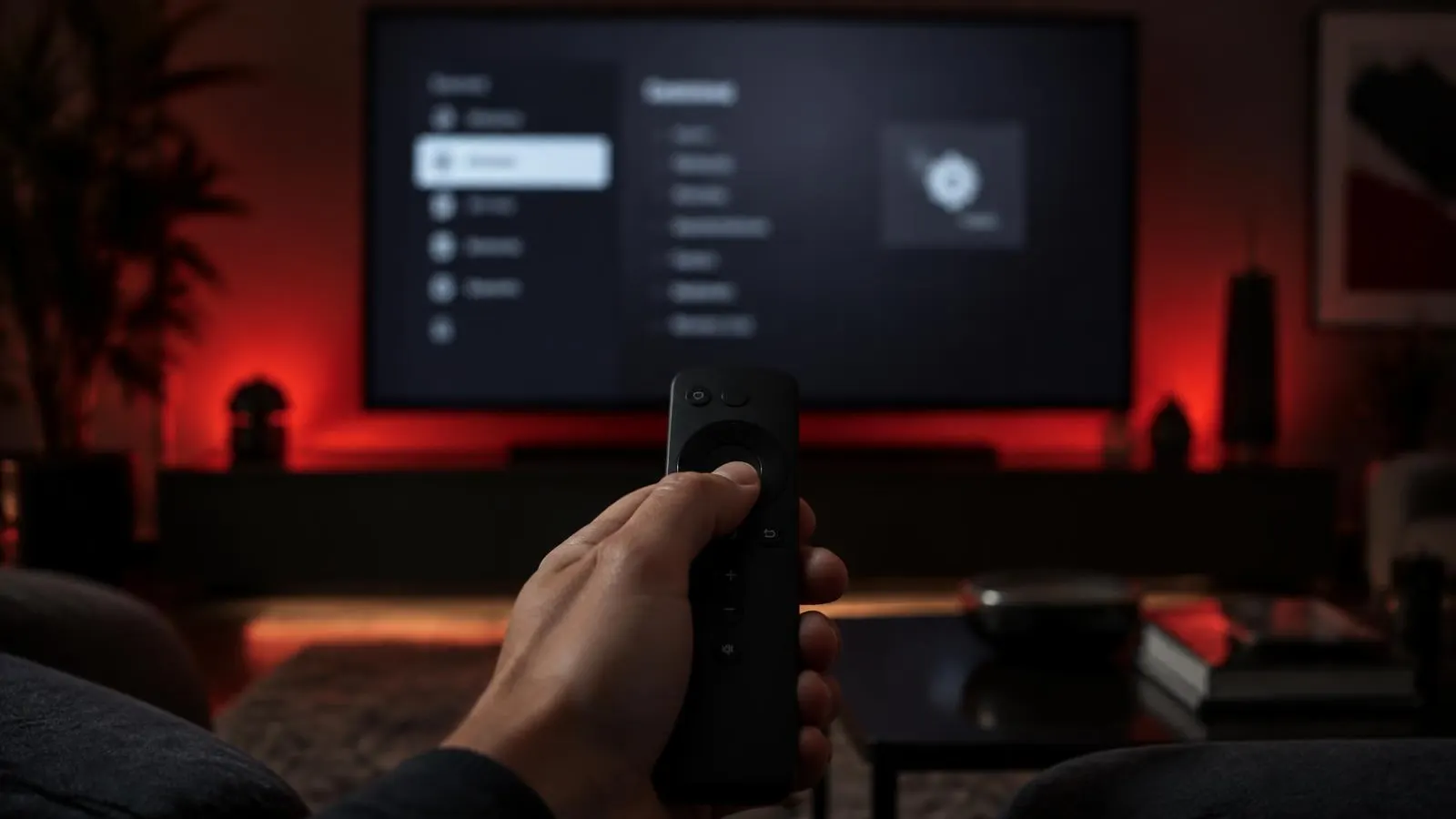
Fire TV IPTV Compatibility: What You Need to Know
Learn what to check when assessing IPTV compatibility on Fire TV devices, including operating-system support, applications and setup considerations.
Read guide
Step-by-step help with device compatibility, home networks, accessibility settings and fixing common streaming problems.
These guides are written for everyday viewers, not technicians. They cover what to check on Fire TV and Smart TV devices, how to prepare your home network, which accessibility settings are worth exploring, how to narrow down a streaming problem and what to include when you ask for help.
Start with the compatible devices page and the installation guide. Testing a new setup? Use the 24-hour free trial. Still stuck? Contact our support team.
Learn what to check when assessing IPTV compatibility on Fire TV devices, including operating-system support, applications and setup considerations.
Read guideUnderstand Smart TV IPTV compatibility, including operating systems, supported applications, model differences and setup considerations.
Read guideExplore streaming accessibility considerations, including subtitles, audio settings, readable interfaces and device accessibility features.
Read guideLearn how to prepare your home network for streaming, improve Wi-Fi coverage and understand the benefits of a stable internet connection.
Read guideLearn how to investigate common streaming problems, including connection issues, application errors, device compatibility and performance.
Read guideFind out what information can help customer support investigate streaming problems, including device details, error messages and connection information.
Read guideLearn how to assess a streaming service, review its terms, identify warning signs and check whether its content is properly authorised.
Read guideExplore trial information, compare subscription terms and check your device. A better decision begins with clear information.
Explore IPTV Free Trial