How to Evaluate an IPTV Free Trial Before Subscribing
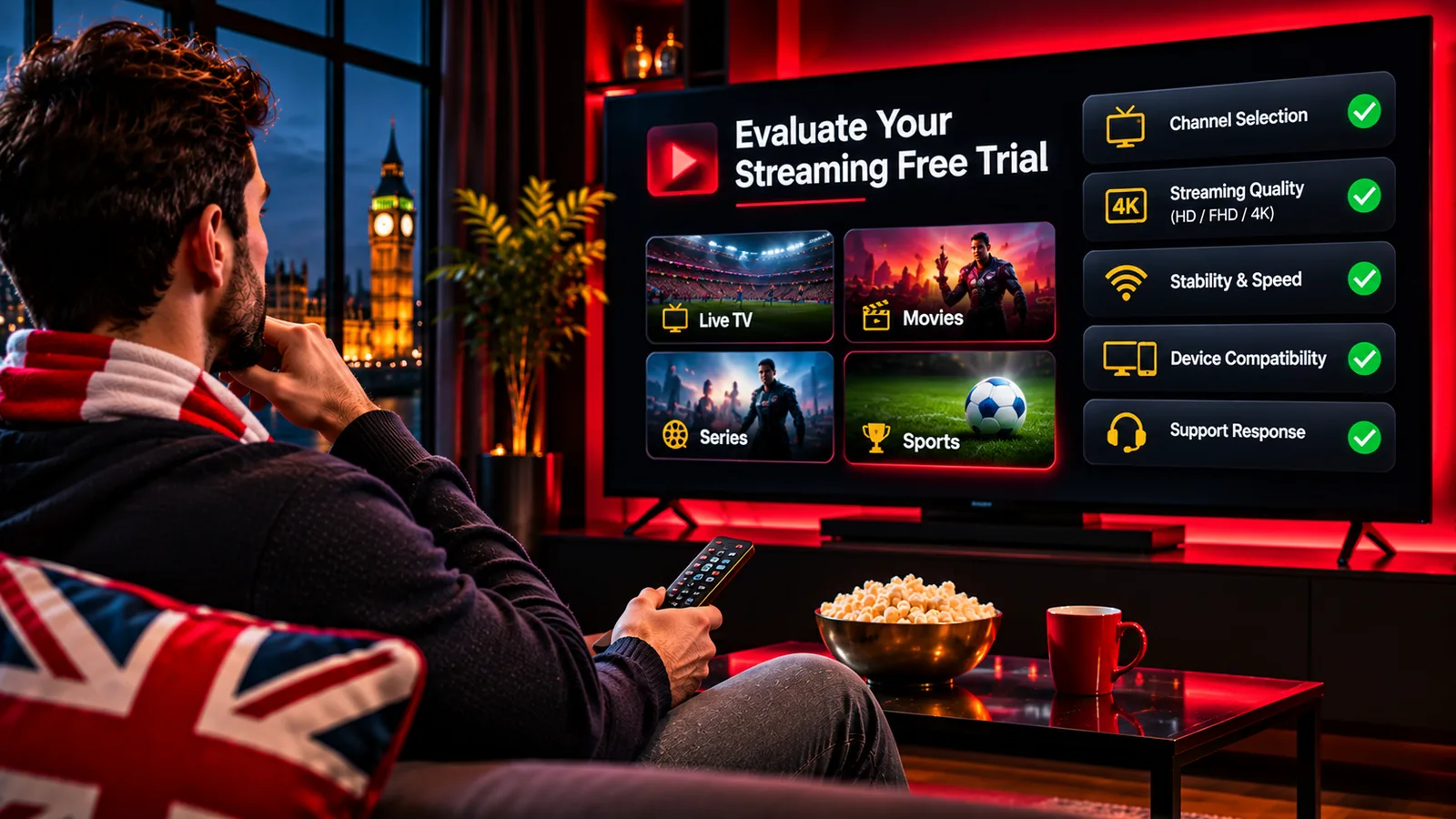
Learn what to check during an IPTV free trial, including device compatibility, connection stability, available features and the overall experience.
Read article
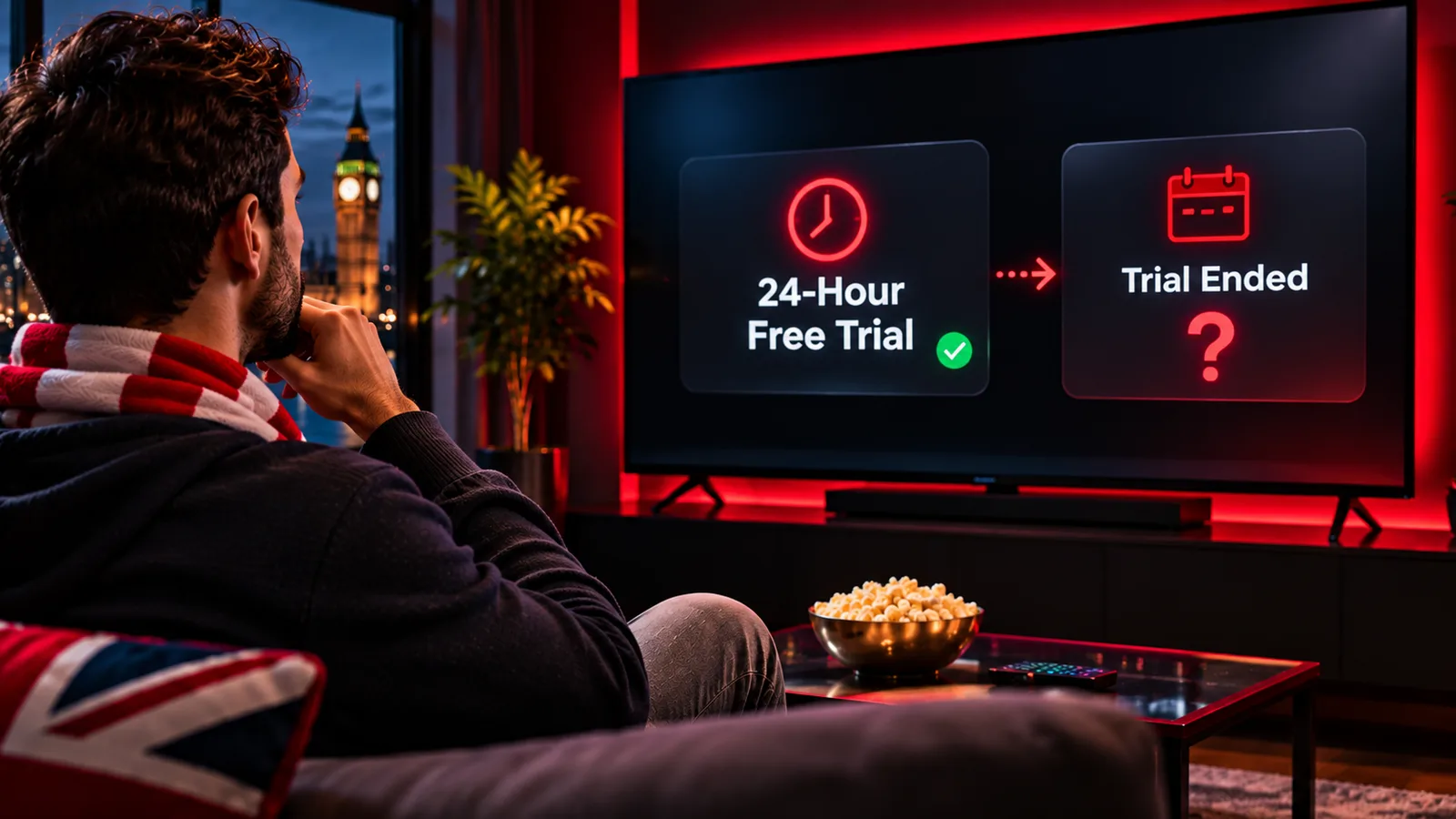
Find out what happens when a 24-hour IPTV free trial ends, what to check before subscribing and how to compare your next subscription options.
A free trial is a short window to answer one question: does this service work for you, in your home, on your screen? When that window closes, many people are unsure what comes next. Do they lose access straight away? Do they owe anything? Should they buy the longest package because it looks cheapest?
This article explains what a trial period actually is, what you can expect when a 24-hour IPTV trial expires, and how to use what you learned to make a calm, well-informed choice about a subscription — or to decide not to buy one at all.
A trial is a limited test, not a smaller version of a subscription. Its purpose is to let you check practical things — whether the service opens on your device, whether playback is comfortable on your connection and whether the menus make sense to you — before you spend money.
Our 24-hour IPTV free trial is requested through WhatsApp and needs no payment or card details. Because nothing is paid and no payment details are taken, a trial ending does not create anything you owe. Buying a subscription is a separate decision you make afterwards, if you want to.
A day lets you try the service in the evening, when home networks are typically busiest, and again at a quieter time. It also gives you time to try it on more than one screen in your home. You will not learn everything in a day, but you can learn whether it is worth continuing.
When the 24 hours are over, trial access stops. You are not automatically moved onto a paid package, because no payment details were provided to begin with. If you want to continue, you choose a package and arrange it with us through WhatsApp.
If any part of this is unclear for you — for example, exactly when your 24 hours started — simply ask us on WhatsApp before the trial ends. It is always better to confirm timings in writing than to rely on memory.
The most useful trials are planned. Before you start, decide which screen you will mainly use and what you want to watch. Then test those things specifically, rather than browsing at random.
Once the trial is over, look back at your notes rather than your general impression. If playback was unsettled, the cause may be your home Wi-Fi rather than the service, and our home network setup guide explains simple checks you can make before deciding.
Confirm that every screen you care about is covered. The compatible devices page lists the device types we support. If your device is not listed or you are unsure about your model, contact our team with the model name before paying.
How many devices can I use? What happens at the end of my package? What is the money-back guarantee and how do I use it? Ask these on WhatsApp and keep the replies. Clear answers before payment save confusion later.
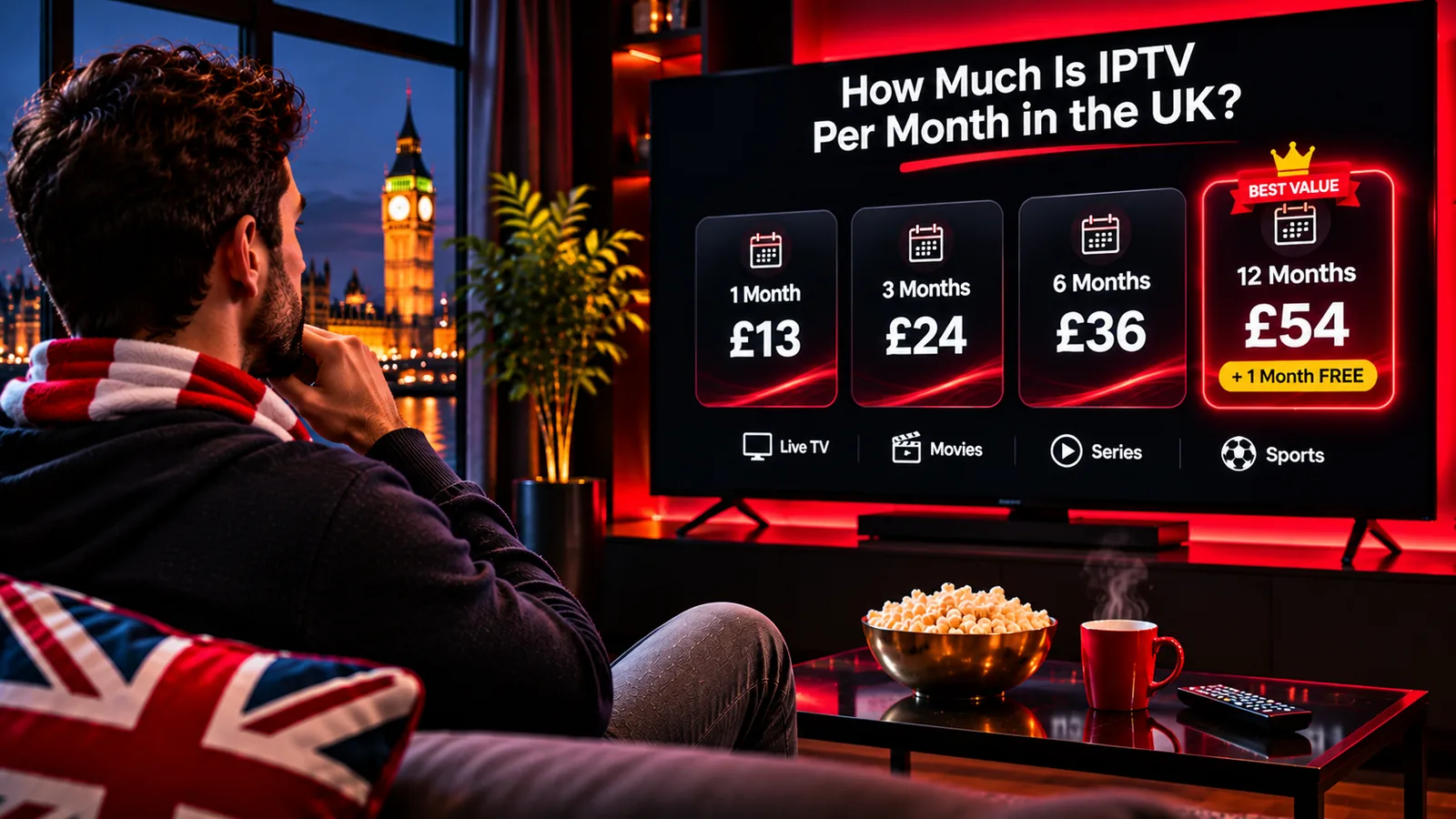
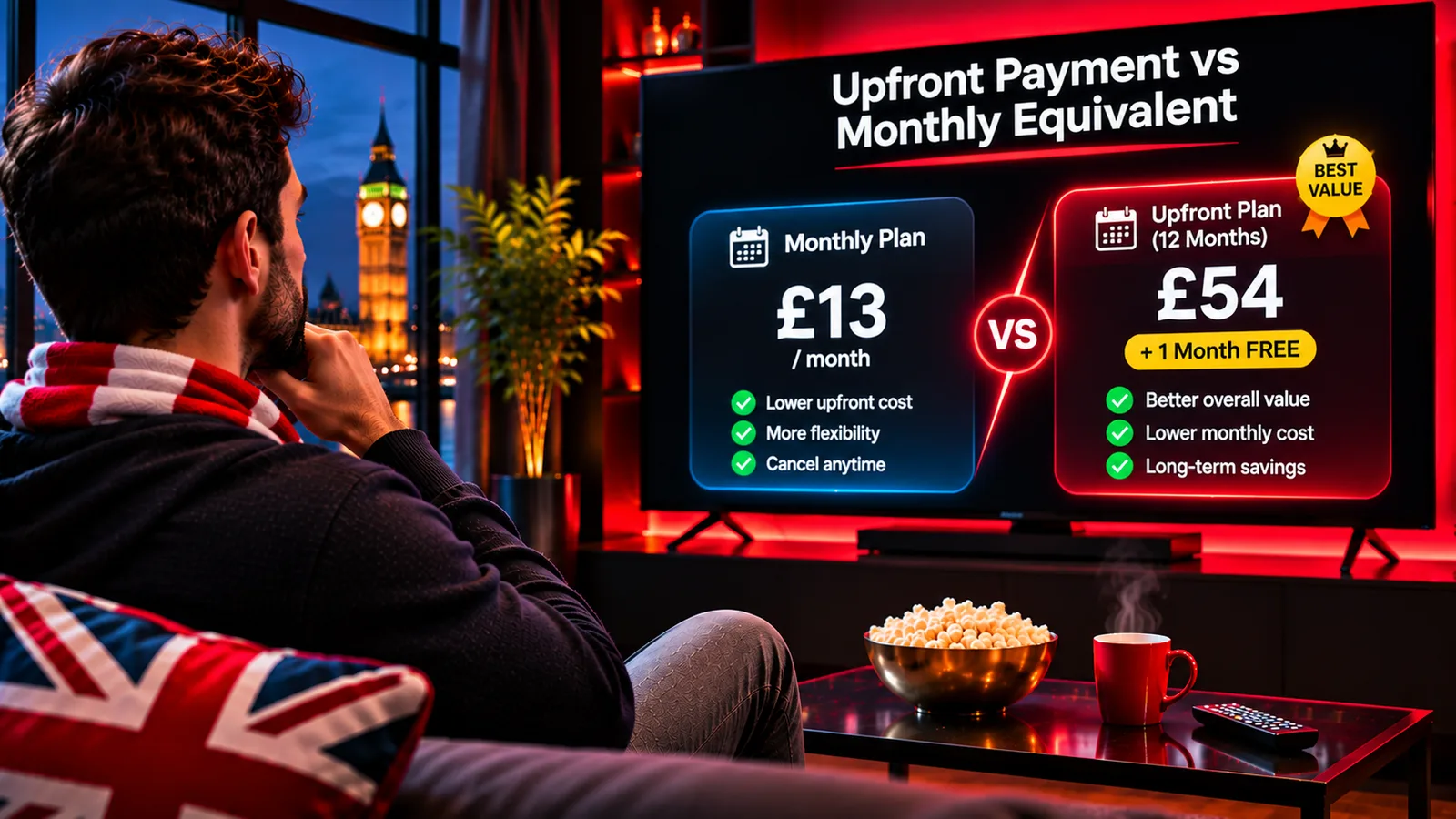
Our packages are paid once for a fixed duration: £13 for 1 month, £24 for 3 months, £36 for 6 months, and £54 for 12 months plus 1 additional free month. Longer packages cost less per month, but they also mean paying more at once.
If the trial went well but you still have small doubts, a shorter package is a sensible next step: you can move to a longer one later. If you are confident and plan to watch all year, the 12-month package gives 13 months of access. The pricing page shows every package side by side with the same full feature list.
No. The trial needs no payment or card details, so nothing is charged when it ends. A subscription is only arranged if you choose one.
The trial is 24 hours. If you need more time to decide, a 1-month package is the shortest paid option.
Note what happened and when, check your home Wi-Fi, and message us with your device model. We can tell you whether it is a known device type for us.
No. Trial access simply stops after 24 hours. There is nothing to cancel.
This is general guidance for UK viewers, not legal or technical advice for your specific setup. If you are unsure, ask our team.
Learn what to check during an IPTV free trial, including device compatibility, connection stability, available features and the overall experience.
Read articleUnderstand IPTV subscription costs in the UK, compare different package durations and learn how to calculate the monthly equivalent of upfront plans.
Read articleCompare upfront IPTV payments with monthly subscription costs, understand package durations and learn what to consider before choosing a plan.
Read article