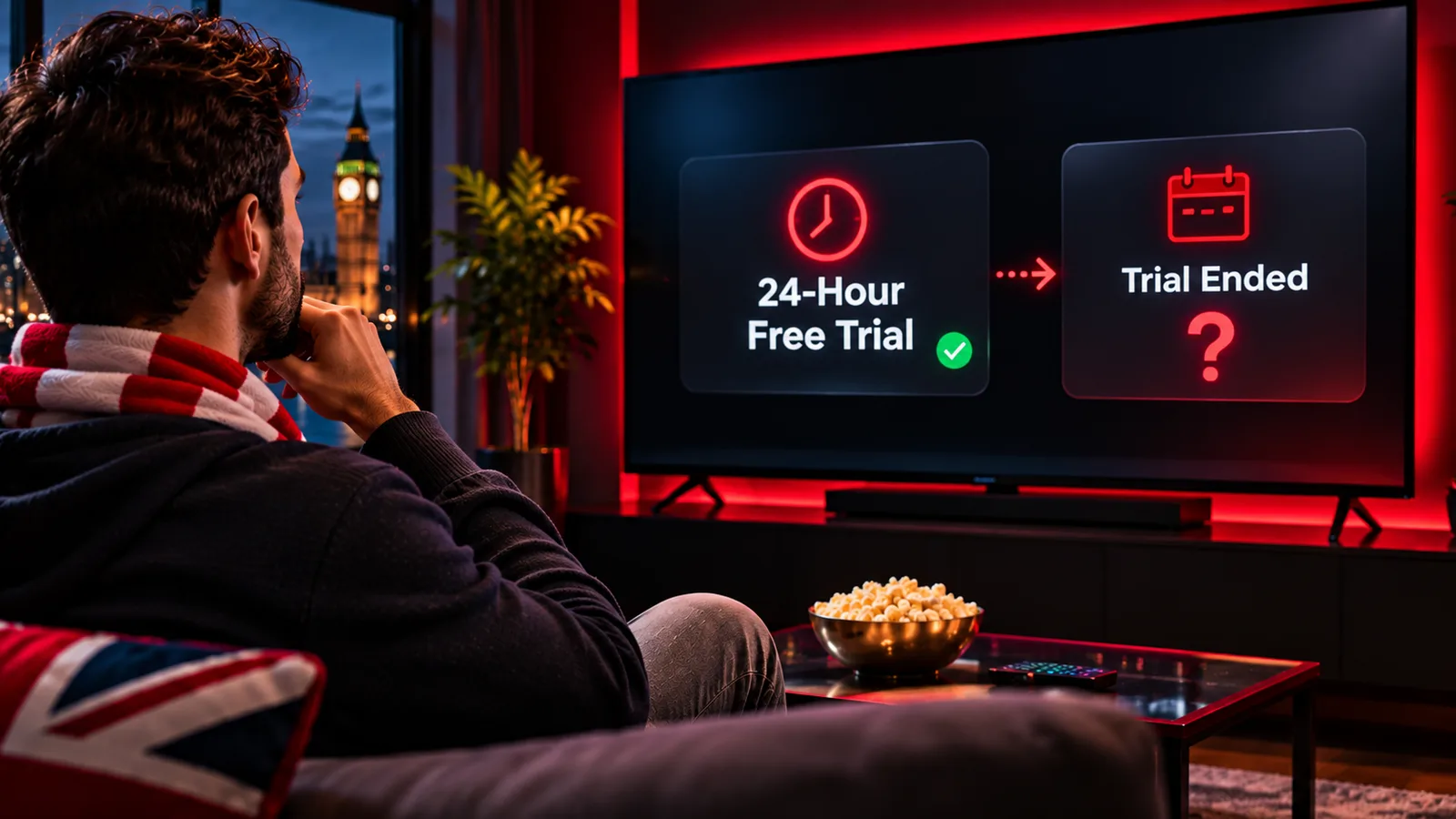
What Happens When an IPTV Free Trial Ends?
Find out what happens when a 24-hour IPTV free trial ends, what to check before subscribing and how to compare your next subscription options.
Read article
Learn what to check during an IPTV free trial, including device compatibility, connection stability, available features and the overall experience.
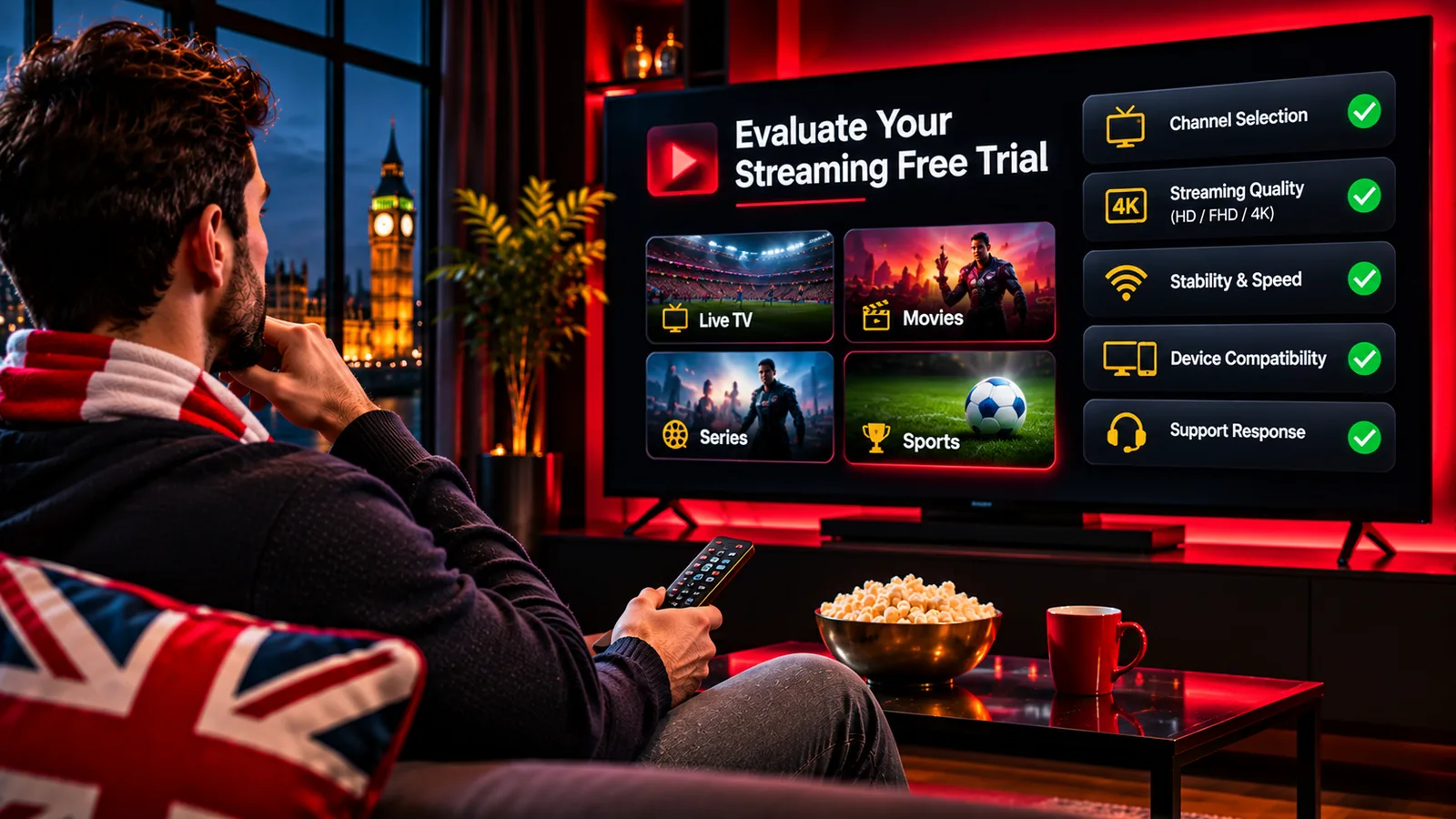
Twenty-four hours goes quickly. Without a plan, it is easy to spend the trial flicking through menus and come away with a vague feeling rather than a clear answer. A simple checklist turns the trial into something genuinely useful.
This guide walks you through the six areas worth testing — your device, the setup, connection stability, features, support and your final decision — with a short note-taking method you can use on a phone or a piece of paper.
Everything else depends on your device. Before requesting the trial, check that your television, streaming stick, phone or box appears among the IPTV compatible devices we support: Fire TV and Firestick, Smart TVs, Android devices, iPhone and MAG boxes.
Write down the exact model and, if you can find it in the settings, the software version. If something does not work during the trial, these details let our team help you quickly.
It is tempting to test on whichever device is easiest, such as a phone. But if you mainly watch on the living-room TV, that is where the trial needs to happen. Screens differ in size, processing power and how they connect to your network, and a smooth experience on one does not guarantee the same on another.
If several people in your household will watch on different screens, try at least the two most important ones during the trial.
Pay attention to how easy it was to get started. Were the instructions clear? Did you need help? A setup you found confusing on day one will feel the same each time you set up a new device. Our IPTV installation guide explains the general steps, so you can compare what you experienced with what to expect.
Stability is best judged over time. Watch for a continuous 20–30 minutes rather than sampling a few seconds, and do this at least twice: once at a busy time, such as a weekday evening, and once at a quieter time.
If playback pauses or the picture quality drops, note the time and what else was happening on your network. Large downloads, video calls or games on other devices can affect streaming. Before blaming the service, try the simple checks in our home network setup guide, such as moving closer to the router or using a wired connection.
For each viewing session, jot down: the time, the device, Wi-Fi or cable, what you watched, and anything that went wrong. Five short lines per session give you far more to go on than a general impression.
Every IPTV UK package lists the same features, including the TV guide (EPG), 4-day catch-up and Pay-Per-View. Use the trial to try the ones that matter to you. Open the TV guide and see whether it is easy to read. Try catch-up on something you missed. Check how quickly you can move between categories.
A trial is also your chance to see how we communicate. Send us a question on WhatsApp — about your device, a feature or a package — and notice whether the answer is clear and useful. Communication matters more after you subscribe than before.
At the end of the trial, read your notes and answer three questions honestly: Did it work on my main device? Was playback comfortable at the times I usually watch? Did I get clear answers to my questions? If the answer to all three is yes, compare the packages on the 24-hour IPTV free trial page and the pricing page. If not, it is perfectly reasonable to wait or to ask more questions first.
Playback on the device you will actually use, at the time of day you usually watch.
Yes, and it is worth testing the main screens in your home. Ask us if you are unsure how to add a second device.
Devices differ in processing power, Wi-Fi reception and how they connect, so the same connection can perform differently on each.
Use whatever you plan to use day to day. If Wi-Fi gives problems, trying a cable helps show whether the cause is your wireless signal.
This is general guidance for UK viewers, not legal or technical advice for your specific setup. If you are unsure, ask our team.
Find out what happens when a 24-hour IPTV free trial ends, what to check before subscribing and how to compare your next subscription options.
Read articleLearn how to prepare your home network for streaming, improve Wi-Fi coverage and understand the benefits of a stable internet connection.
Read guideLearn what to check when assessing IPTV compatibility on Fire TV devices, including operating-system support, applications and setup considerations.
Read guide